Selecting the right server case is one of those decisions that shapes every aspect of your build—from thermal performance to long-term maintenance. While processors, memory, and storage often dominate the conversation, the enclosure that houses these components determines whether your system runs reliably for years or struggles with heat, access limitations, and expansion constraints.
A server case differs fundamentally from a consumer PC chassis. Where desktop cases prioritize aesthetics and moderate airflow, server enclosures are designed for 24/7 operation, hot-swap bays that let you replace drives without downtime, and controlled airflow patterns that keep components cool under sustained loads. Rackmount cases conform to 19-inch rack standards, while tower configurations offer flexibility for standalone deployments. Security features like key locks and intrusion switches become essential when equipment lives in shared spaces.
The years between 2020 and 2026 have seen remarkable growth in server case demand across multiple segments. Home lab enthusiasts have embraced hypervisors like Proxmox and TrueNAS, driving interest in compact yet capable chassis. AI workstations running multiple GPUs require cases with reinforced PCIe slots and aggressive cooling. Small colocation deployments need dense rackmount solutions that maximize value per rack unit.
This article provides practical guidance on 4U rackmount chassis, flight cases for portable deployments, and home server enclosures. You will find concrete recommendations for matching cases to workloads—whether you are building an AI training rig, a VFX render farm, a research cluster, a NAS array, or an enterprise data center.
Key themes covered in this article:
Understanding the main form factors helps you choose a chassis that fits both your workload and your physical environment. Each design serves distinct needs, and selecting the wrong type creates problems that persist throughout your deployment.
Rackmount Server Cases (1U, 2U, 3U, 4U+)
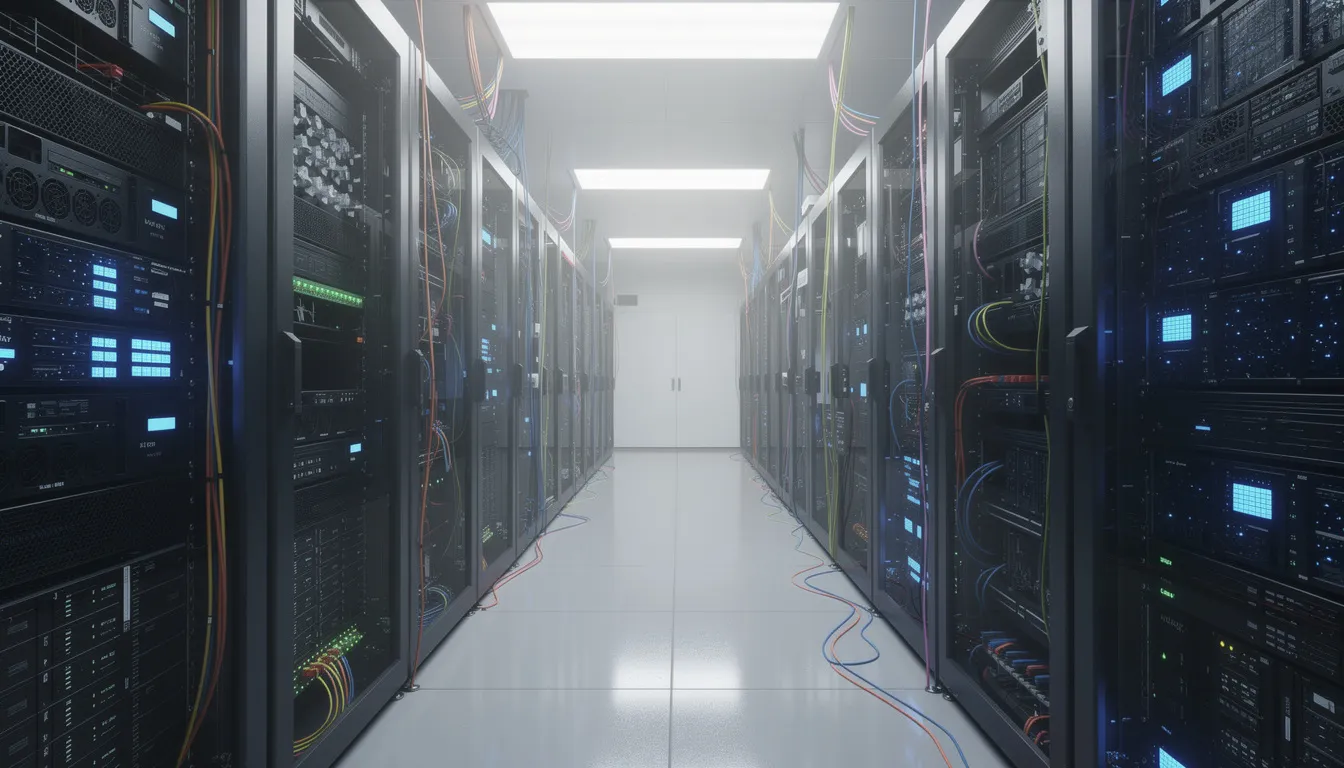
Rackmount chassis follow the 19-inch rack standard that dominates enterprise data centers and colocation facilities. The “U” designation refers to rack units, where 1U equals approximately 44.5mm (1.75 inches) of vertical height:
Rackmount depths vary significantly: 400mm and 500mm shallow cases fit AV racks and smaller cabinets, while 650mm and 800mm+ depths accommodate enterprise motherboards and extensive cable routing. Always confirm your rack’s usable depth before ordering.
Tower/Pedestal Server Cases
Tower cases resemble traditional desktop enclosures but incorporate server-grade features like multiple drive bays, redundant PSU support, and enhanced airflow. These work well for:
Tower cases sacrifice density—you cannot stack them efficiently—but they offer simpler installation and often quieter operation than high-density rackmount alternatives.
Flight Cases for Server Transport
Flight cases are rugged enclosures with integrated 19-inch rails designed for transport by road and air, often taking the form of custom shipping cases for 19-inch server racks. Construction typically includes plywood or composite panels, aluminum edging, recessed handles, and butterfly locks. Foam inserts and shock-mounting systems protect servers against vibration during transit.
These cases serve audio-visual production crews, mobile edit suites, temporary research stations, and pop-up event infrastructure where servers must travel and perform immediately upon arrival, making custom server rack transport cases invaluable for protecting sensitive equipment in transit.
When Each Type Makes Sense:
Scenario | Recommended Form Factor | Key Advantage |
|---|---|---|
Home media server | Quiet tower | Low noise, easy access |
Dense NAS build | 4U rackmount | Maximum drive capacity |
AI workstation | 4U rackmount | GPU space and cooling |
Data center deployment | 1U/2U rackmount | Density and scalability |
Touring AV production | Flight case | Transport protection |
Temporary research site | Flight case | Rapid setup/teardown |
The 4U rackmount chassis stands as the go-to choice for builds requiring substantial compute power, multiple GPUs, or high-capacity storage arrays. This form factor delivers the flexibility that smaller cases cannot match while remaining compatible with standard 19-inch racks found worldwide.
Dimensions and Compatibility
A 4U case measures approximately 177mm (7 inches) in height—four rack units. Depths range from 450mm for compact models to 650mm+ for full-depth enterprise configurations. A 500mm deep chassis often represents the ideal balance, fitting shallow cabinets and AV racks while accommodating E-ATX motherboards and full-length GPUs.
Width follows the 19-inch standard (482.6mm), ensuring compatibility with rack rails and mounting hardware across manufacturers.
Hardware Support
Modern 4U rackmount cases typically handle:
Cooling Layouts
Effective thermal management in 4U cases relies on front-to-back airflow with multiple fan positions:
This configuration maintains positive pressure, reducing dust ingestion while ensuring adequate airflow over components generating significant heat.
Security Features
Shared rack environments demand physical security. Quality 4U cases include:
Example Specification Comparison:
Feature | Entry-Level 4U | Mid-Range 4U | Enterprise 4U |
|---|---|---|---|
Drive Bays (3.5”) | 8 | 12 | 24 |
Drive Bays (2.5”) | 2 | 4 | 4 |
Expansion Slots | 7 | 8 | 8 |
Max GPU Length | 330mm | 400mm | 400mm+ |
Fan Configuration | 2×80mm rear | 3×80mm + 1×120mm | Fan wall + rear |
PSU Support | Single ATX | Redundant ATX | Redundant 2000W |
Depth | 450mm | 500mm | 650mm |
Since 2022, the explosion in AI and machine learning workloads—from training large language models to running computer vision inference—has created demand for chassis that handle extreme thermal and power requirements. These builds push cases beyond typical server configurations.
Why Standard Cases Fall Short
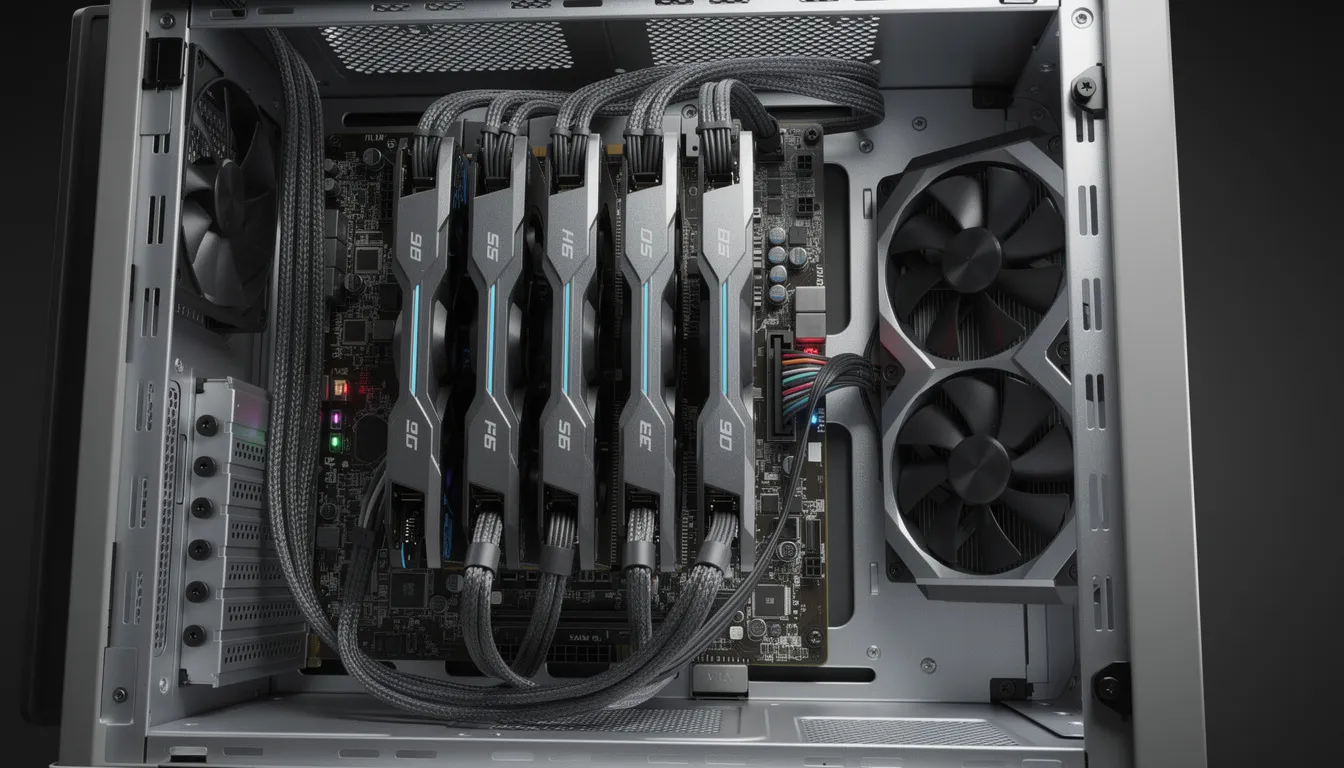
Training neural networks involves GPUs running at maximum capacity for days or weeks. A single NVIDIA A100 consumes over 400W; configurations with 2-4 such cards generate 1000-2000W of heat concentrated in a small space. Standard server cases designed for CPU-centric workloads lack the airflow volume and PCIe power delivery these builds demand.
Critical Requirements for AI/ML Cases:
Motherboard Considerations
AI-focused builds often use SSI-EEB or E-ATX motherboards supporting dual-socket CPUs and high-bandwidth memory. These boards require cases with appropriate standoff positions and rear I/O cutouts. Verify compatibility before purchase—not all 4U cases support these larger form factors.
Real-World Configurations
Small labs building AI capabilities frequently deploy 4U chassis with configurations like:
Enterprises standardizing AI infrastructure often rack these systems in 42U cabinets, placing 8-10 4U GPU servers per rack with enhanced cooling or liquid cooling loops to manage the 10-20kW heat loads.
Build Tips:
Rendering farms and VFX studios operate servers at near-maximum CPU and GPU utilization around the clock. Research computing—genomics, computational fluid dynamics, physics simulations—makes similar demands. These workloads require cases built for sustained performance rather than peak bursts.
VFX and Rendering Requirements
Production studios processing 4K and 8K content generate enormous heat and data volumes. A render node might run 64-128 CPU cores alongside 2-4 GPUs continuously for weeks during production deadlines. The server case must:
Wide, deep 4U and 5U cases serve these needs better than compact alternatives. The additional room allows for proper cable management, reduces thermal interference between components, and simplifies maintenance access.
HPC and Research Computing
Research institutions running simulations require cases supporting:
These builds benefit from cases with 12-24 drive bays, space for dual PSUs providing redundancy, and compatibility with rack rail systems used in HPC clusters.
Noise Considerations
VFX studios often locate render farms in separate machine rooms with acoustic treatment, allowing high-speed fans running at 5000-7000 RPM. Research labs in office buildings face different constraints—fan curves must balance cooling performance against noise levels acceptable in shared spaces.
Example Deployment:
A university computational biology lab might deploy:
The home server market has matured significantly between 2018 and 2026. What once required enterprise hardware now runs on efficient consumer-grade components, but the server case remains critical for reliability and livability in residential environments.
Common Home Server Use Cases:
Tower vs. Compact Rackmount
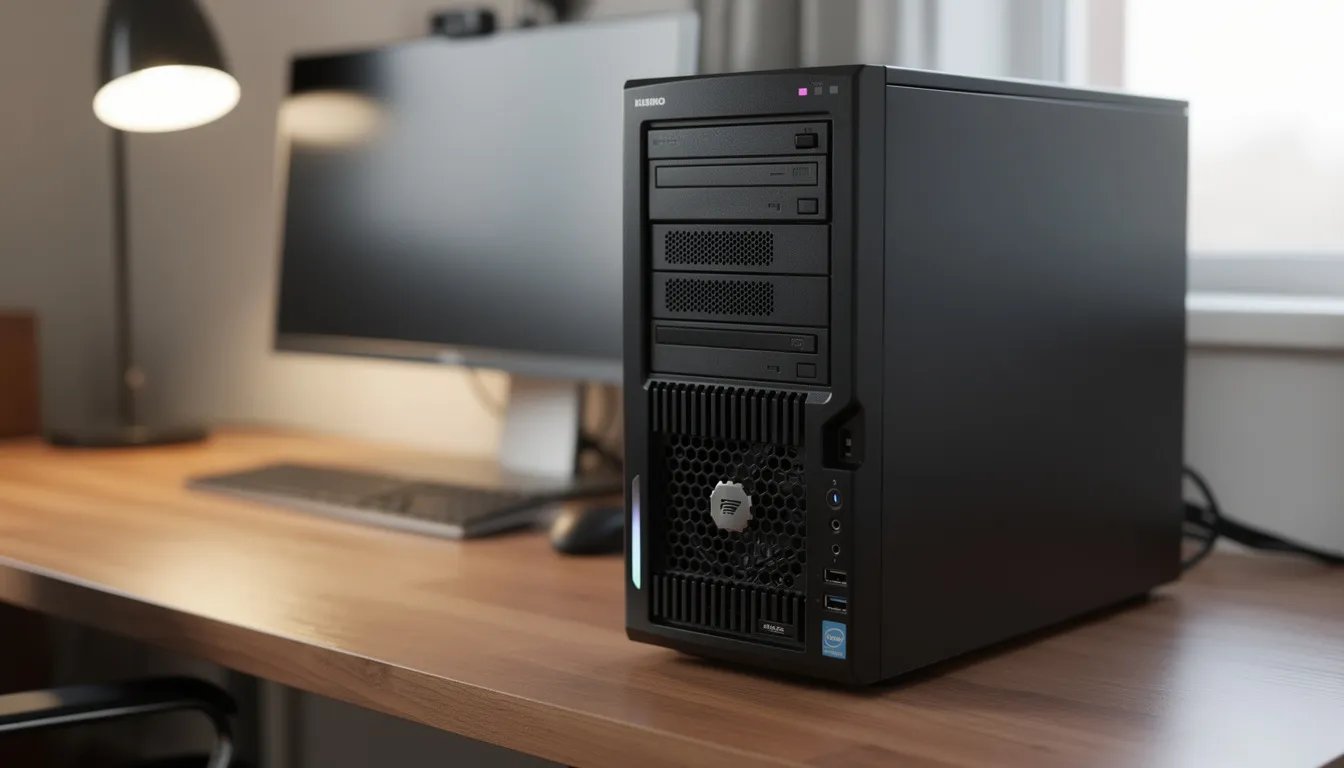
Quiet tower cases with 6-8 HDD bays suit most home deployments. These cases fit under desks or in closets, run at acceptable noise levels, and provide easy access for drive swaps and upgrades. Users typically prioritize:
Compact 4U racks installed in network cabinets serve enthusiasts with dedicated server rooms or garage installations. These offer better density and more expansion room at the cost of higher noise and dedicated space requirements.
Storage Considerations
Modern 8-20TB drives allow substantial capacity in relatively few bays. A 6-bay tower can house 48-120TB raw capacity. However, large drives extend RAID rebuild times—rebuilding a failed 18TB drive can take 24-48 hours during which the array remains vulnerable.
Good airflow over HDD cages matters during these rebuilds. Cases with front-mounted fans pulling air directly across drive bays reduce thermal stress and improve reliability during extended write operations.
CPU and Transcoding
CPUs from roughly 2015 onward typically handle 1-2 1080p transcodes without dedicated graphics cards. This means case selection can prioritize storage and silence over GPU accommodation for most home media servers.
Example Home Builds:
Configuration | Case Type | Capacity | Use Case |
|---|---|---|---|
Starter NAS | Mini-ITX tower | 4 × 8TB (32TB) | Family backups |
Media server | Mid-tower | 6 × 16TB (96TB) | Plex + backups |
Home lab | 4U short-depth | 8 × 18TB + 2 SSD | Proxmox + NAS |
Enthusiast | 4U full-depth | 12 × 20TB (240TB) | Data hoarding |
Storage-intensive workloads demand cases designed specifically for high drive counts, efficient airflow over spinning disks, and accessibility that allows quick maintenance without system downtime.
Key Features of Storage-Optimized Cases:
Planning Mixed Drive Pools
Enterprise storage servers often combine:
Quality cases provide dedicated mounting for each drive type. Some feature rear-mounted 2.5-inch bays or internal SSD brackets separate from the main drive cage.
Cable Routing
Dense drive configurations require careful cable management. Key practices include:
Drive Bay Orientation
Most 4U storage cases mount drives horizontally with connectors facing rear. This allows front-accessible hot-swap while keeping cables managed in the rear section. Some designs use vertical orientation for additional density in specific form factors.
Across all case types, certain design elements determine whether your build performs reliably over its operational lifetime. Understanding these features helps you compare products and avoid costly mistakes.
Cooling
Fan Size | Common Position | Airflow Characteristics |
|---|---|---|
80mm | Rear exhaust | High RPM, moderate noise, compact fit |
92mm | Mid-chassis, rear | Balance of airflow and noise |
120mm | Front intake | Higher airflow at lower RPM |
140mm | Front, top (towers) | Maximum airflow, lowest noise |
CPU cooler clearance varies dramatically: |
Front-to-back airflow patterns keep components coolest. Cases with side vents or poor duct design allow hot air recirculation that raises temperatures across the system.
Power
Server cases support various PSU configurations:
Calculate total system power draw and add 20-30% headroom. Under-sized PSUs run inefficiently and risk stability issues under load.
Security
Feature | Purpose | Common Applications |
|---|---|---|
Key-locked front door | Prevent unauthorized drive removal | Colocation, shared offices |
Butterfly locks | Quick access for authorized users | Flight cases, portable racks |
Intrusion switches | Alert when panels open | Monitored environments |
Kensington slots | Cable lock attachment | Unsecured locations |
Feature Checklist by Workload: |
Workload | Min. Drive Bays | Expansion Slots | PSU Requirement | Key Features |
|---|---|---|---|---|
Home NAS | 4-8 | 1-2 | 400-600W | Quiet fans, easy access |
AI/ML | 2-4 | 4-8 | 1600W+ | GPU airflow, PCIe power |
VFX render | 4-8 | 4-6 | 1000-1600W | Large cooler clearance |
Enterprise storage | 12-24 | 2-4 | Redundant 800W | Hot-swap, backplanes |
When servers must travel—to event venues, production locations, or temporary research sites—flight cases provide the protection and portability that standard rack enclosures cannot offer.
Construction Details
Quality server flight cases feature:
Protection Systems
Internal protection options include:
These systems matter most for servers with spinning HDDs, which are vulnerable to shock damage during transport. SSD-based systems tolerate rougher handling but still benefit from vibration isolation.
Practical Applications
Example Scenario: A touring audio-visual production company maintains a mobile edit suite for on-location processing. Their flight case contains:
The case arrives at venues via truck, powers up within minutes, and processes footage throughout multi-day events before repacking for the next location.
Selecting the perfect server case requires systematic evaluation rather than impulse purchasing. The process below helps you match chassis capabilities to your actual requirements.
Step 1: Define Your Workload
Identify primary use cases:
Each workload emphasizes different capabilities—GPU space, drive density, silence, or redundancy.
Step 2: Determine Form Factor
Based on your environment and workload:
Measure your available space. Confirm rack depth if using existing infrastructure.
Step 3: Confirm Component Compatibility
Critical checks before purchase:
Component | What to Verify |
|---|---|
Motherboard | ATX, E-ATX, or SSI-EEB support; standoff positions |
GPU | Maximum length (300-400mm); slot width (2-3 slots) |
CPU cooler | Height clearance (tower coolers need 120mm+) |
PSU | Form factor (ATX, SFX); wattage support |
Drives | Number of 3.5” and 2.5” bays; hot-swap capability |
Rails | Rack depth compatibility; rail kit included or purchased separately |
Step 4: Plan for Expansion |
Consider future needs:
Step 5: Verify Rack Compatibility
If using existing racks:
Quick Decision Checklist:
The server case purchase extends beyond the initial transaction. Long-term support, warranty coverage, and deployment planning determine whether your investment delivers years of reliable service.
Spare Parts Availability
Quality chassis manufacturers maintain stock of replacement components:
Confirm parts availability before committing to a platform, especially for deployments spanning months or years where replacement needs will arise.
Warranty Coverage
Server chassis typically carry 3-year return-to-base warranties covering:
Warranties generally exclude damage from misuse, modification, or environmental factors. Review terms carefully for deployments in challenging conditions.
Technical Support
Responsive support matters when configuring complex builds. Helpful vendors provide guidance on:
Deployment Timeline
Plan realistic schedules for server case orders and rack integration:
Phase | Typical Duration |
|---|---|
Case order to delivery | 3-7 business days |
Component installation | 1-2 days per server |
Cable management and testing | 1 day per rack |
Burn-in and validation | 24-72 hours |
Production deployment | 1 day |
For custom configurations or large orders, lead times may extend. Discuss timelines with suppliers before finalizing project schedules. |
Deployment Best Practices:
Understanding how others have deployed server cases provides practical insights beyond specifications. The following examples illustrate common scenarios and lessons learned.
Home Lab User: 40TB Media Server
A home user built a Plex server using a mid-tower case with 6 hot-swap bays. Key feedback:
Small Creative Studio: VFX Render Nodes
A 10-person studio deployed four 4U rackmount servers for After Effects and DaVinci Resolve rendering:
Research Group: Genomics Cluster
A university lab built a 20-node cluster for DNA sequence analysis:
SME Deployment: Virtualization Infrastructure
A 50-person company consolidated servers into eight 2U rackmount units:
Common Themes Across Builds:
Choosing the right server case requires balancing immediate needs against long-term flexibility. Whether you are building a quiet home lab, scaling an AI cluster, or deploying enterprise infrastructure, the chassis you select determines years of operational reliability and maintenance ease.
Take time to measure your space, verify component compatibility, and plan for growth. The effort invested in proper case selection pays dividends throughout your system’s lifecycle. If you find yourself uncertain about specifications or configurations, seek guidance from knowledgeable suppliers who understand both the hardware and the workloads you intend to run.
Your server’s performance begins with the box that houses it. Make that choice count.