Choosing the right server and rack infrastructure is a crucial decision that can determine operational efficiency, scalability and total cost of ownership for years to come. This guide will give you the technical know-how to navigate equipment specifications, sizing calculations and deployment planning with accuracy.
A server is the core hardware that makes up a computer – the processor, memory, storage and network interfaces all housed inside a chassis. A rack is the standard metal frame, usually 19 inches wide according to EIA-310 specifications, that holds servers and network equipment vertically in increments called Rack Units (U). A rack cabinet builds on this idea by adding doors, side panels and integrated cable management for improved security and airflow control.
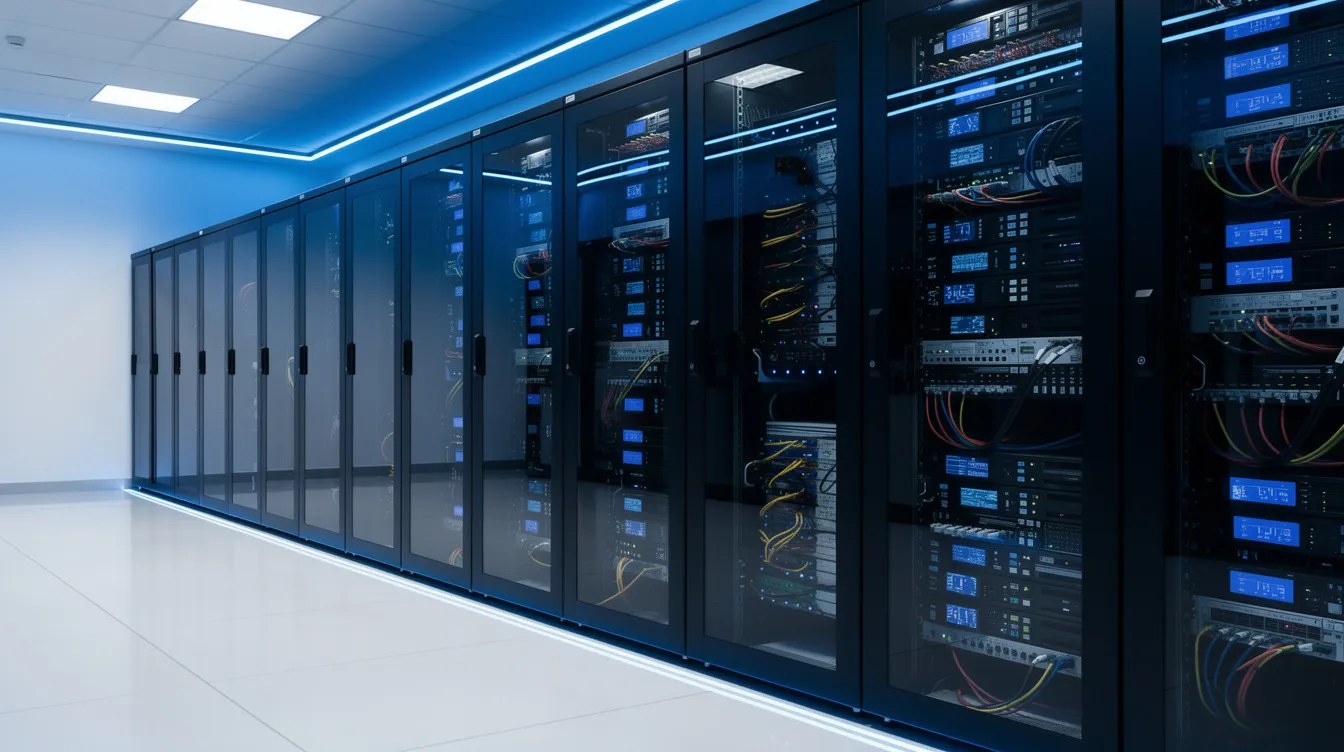
Server racks come into play in 2026 because they solve a number of infrastructure challenges at once. A 42U floor-standing cabinet takes up approximately 0.6 square meters of floor space yet can house 35-40 individual 1U servers – ten times the footprint of if you’d deployed them as tower servers. This density enables efficient cooling through hot-aisle/cold-aisle containment, simplifies cable management and reduces long-term operational costs across environments ranging from home labs to Tier III data centers.
Consider a small colocation space: a single tower server takes up roughly 600mm x 600mm of floor space and delivers one compute instance. A 42U rack in the same space can house dozens of servers with unified power distribution, coordinated airflow and centralised maintenance access.
The key thing to understand is that the server does the actual computing while the rack is the physical mounting infrastructure. Server form factors need to match the rack dimensions if you’re going to get it installed and working properly.
Common server form factors include:
The main advantage of rack deployment is that it gives you unified power distribution via PDUs, standardised cooling patterns and simplified maintenance. Tower deployment is all about lower entry costs and placement flexibility where rack infrastructure is impractical.
One Rack Unit (1U) is equal to 44.45mm of vertical space, which is the measurement that forms the foundation of all capacity planning. Understanding your U heights before you buy prevents costly mistakes when the gear arrives.
Common rack heights serve different purposes:
Depth specifications need a lot of attention. External depth options usually range from 600mm to 1200mm, but internal mounting depth is roughly 130mm less than external dimensions. Modern servers – especially GPU-accelerated systems that are over 700mm deep – need full 1000mm+ external depth cabinets.
Sizing calculation example:
Adding 25% growth headroom suggests a 24U cabinet minimum. For depth, if the deepest piece of gear is 680mm, specify 800mm internal depth (approximately 950mm external) to account for cable connectors and maintenance access.
Width constraints matter for delivery: standard UK and EU doorways are usually 750-800mm, which means either flat-packed delivery, custom server rack cases for safe transport, or careful logistics planning for wider cabinets.
The right cabinet is all about deployment context – what’s perfect for a home lab is worlds apart from what you need for colocation.
Floor-standing data cabinets (usually 42U, 600mm x 1000mm external) have locking perforated doors with around 60% open area for airflow, removable side panels and robust four-post construction supporting 800-1000kg static loads. These are perfect for server rooms and colocation facilities where density and security are top priority.Wall-mounted Data Cabinets (12U to 24U, 400 to 600mm deep) are the perfect fit for branch offices, network closets & AV installations. Because they’re a bit lighter, you can mount ’em straight to the wall studs – but it’s also a great space saver when equipment volume is tight.
Multi-compartment Racks split one big frame into 2-4 separately locked sections, so that multiple tenants can make use of the same shared infrastructure in colocation facilities – all while keeping security tight and billing clear.
Open Frame Racks & 2-post designs are super for labs and dev environments where security and noise aren’t quite as important as getting things cheap and easy.
Specialist Cabinets solve particular problems: frames that won’t break in earthquakes for areas where that’s a worry, outdoor enclosures that will keep out the rain for edge computing, and tough-as-nails military-grade units for super harsh environments
Cabinet Type | Typical Use Case | Key Characteristic |
|---|---|---|
Floor-standing 42U | Data centre, server room | Maximum density, full security |
Wall-mount 12U | Branch office, network closet | Space-saving, wall-mounted |
Multi-compartment | Colocation facility | Tenant isolation, shared frame |
Open frame | Lab, development | Cost effective, full access |
It’s not just about height and depth – all the different detail specs really make a difference to day-to-day usability, reliability & how painless maintenance is.
Load capacity can vary a lot: light data cabinets can handle a 300kg static load that’s right for networking gear, while big-duty server cabinets can handle 800 to 1000kg for those super-dense server deployments. The sort of steel used (cold-rolled or galvanized) and how well it’s put together all affect how solid the frame is.
Door design is important both for keeping things secure and for keeping them from overheating. Doors with 60% open area will let air through while keeping dust out. Quick-release hinges make life easier when you need to get inside, and three-point locks give a lot more security than a basic slide latch.
Critical specifications to verify:
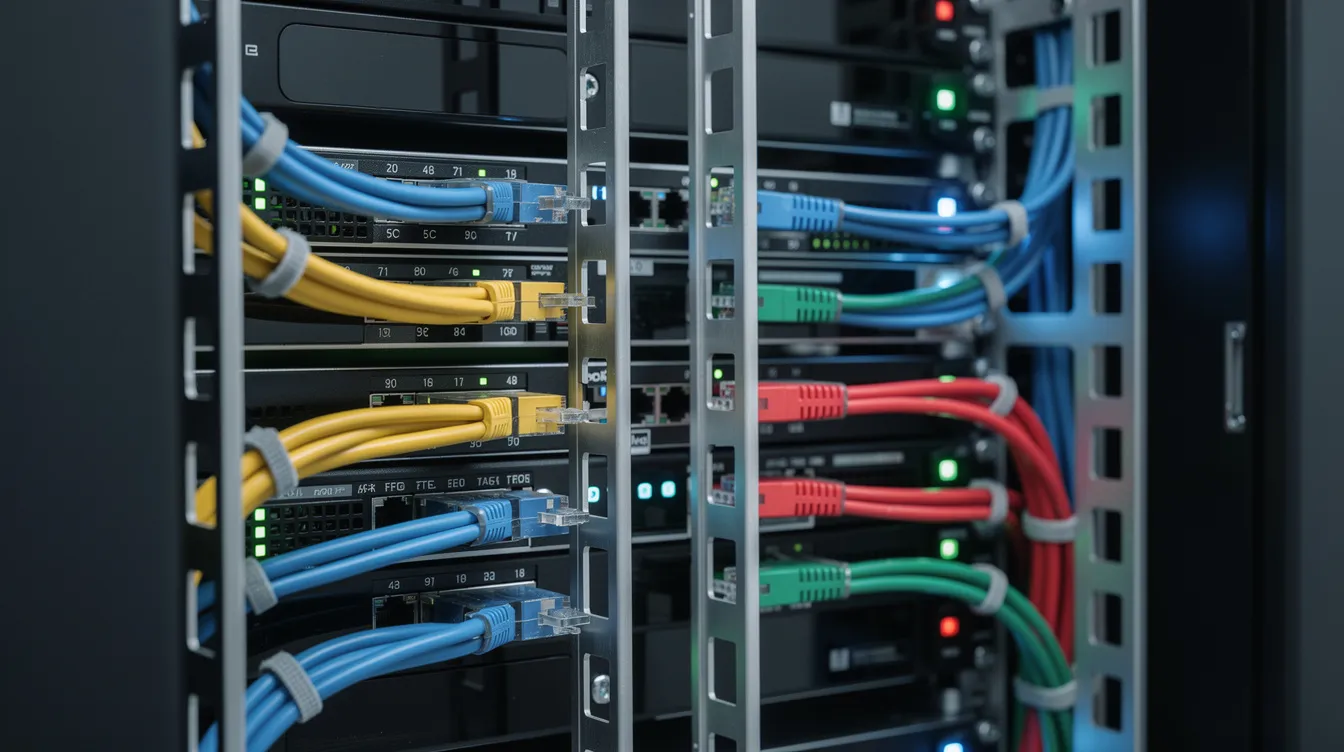
Cable Management is all about making life easier for the people who have to sort out any issues when they come up. Entry points at the top and bottom with brush strips, cable managers up and down, and adequate room to sort cables on the sides all cut down on the time it takes to track down a problem by a load.
Ventilation gets sorted with ventilated tops, fan trays that fit, and designs that support hot-aisle/cold-aisle containment. If you’ve got loads of gear packed in, you may need to get some active cooling that’s over and above just relying on air flowing in from the sides.
Servers and racks only go as far as the power behind them – usually planned at the same time as the cabinet, as well.
Power distribution units (PDUs) give mains power to individual machines. Horizontal PDUs go between the vertical posts, while vertical ones go along the side, giving 8-16 outlets. Back in the UK, it’s common to use 16A Commando (IEC 309) connectors for data centre power – but IEC C13 and C19 are standard for most equipment connections.
Socket and protection options:
Staple accessories to have:
Uninterruptible Power Supplies keep things running when the mains goes down – and networked smart PDUs gives you the power to remote-reboot and check capacity, crucial for places that need to stay up 24/7.
Planning ahead keeps rework, downtime and surprise costs way down – especially when cabinets have to be custom-built and come in 3-10 days.
Pre-deployment check list:
Mini-example: SME office deployment
A 50 person company requiring server consolidation needs to get six 1U servers, 2 x 2U storage appliances, a 1U switch, a 1U UPS, and a 1U patch panel. In total that comes to 16U of rack space. Taking into account any future growth, you’re probably going to want to go with a 24U cabinet, which is 600mm by 950mm on the outside & externally. Any equipment that sticks out from the inside needs to be under 800mm in depth, given the internal depth is 800mm. There’s a single-phase 230v power supply coming in at 16amps which is enough to handle 8kW in total per hour. Flat packed delivery might be necessary for doorways that are only 750mm wide, and you’re looking at about 2 hours of tech time to put it all together.
The characteristics of your rack are going to dictate which servers you can put in there. A rack that’s been optimised for 1U isn’t going to be able to breathe enough for 4U GPU nodes without the servers throttling back.
Server categories by use case:
Workload Type | Typical Form Factor | Power Range | Starting Price (2026) |
|---|---|---|---|
Virtualisation nodes | 1U single-socket | 200-350W | £2,500-3,500 |
Database servers | 2U dual-socket | 400-600W | £6,000-9,000 |
AI/GPU acceleration | 4U multi-GPU | 800-2000W | £25,000-50,000 |
High performance computers need good airflow front to back & depend on the depth of the rack & if it’s got perforations. If you’ve got nodes that are consuming 1.5kW or more you’re going to need to pay close attention to the power budget – a 42U rack that’s been set up for AI might only be able to take 8-10 nodes, whereas you could fit 35 or more virtualisation nodes in there instead. |
What loads you, determines the kind of server & the rack you end up with – if you need to run full length cards, multiple NVMe drives or additional NICs you’re probably going to want a 2U/4U box in a deeper cabinet. Intel & AMD both keep chipping away at how efficient their processor designs are – but you need to design for the current equipment specs.
Hardware prices keep going up & with the energy costs they can’t be ignored, refurbished is looking more & more attractive for the right use case.
New hardware advantages:
Refurbished advantages:
Cost comparison scenario:
Let’s say a small hosting firm wants to build a rack that’s 42U high:
Refurb is good if you’re just doing some development, disaster recovery sites, or if you’re just not bothered about things like patching – new is better for mission critical, high performance, or if you’re planning on keeping the thing for 10 years & want to take advantage of all the power saving you can get.
You’d be surprised at how easy it is to get into a server rack & disconnect the power cables or just walk off with the whole lot.
Basic security measures:
Environmental monitoring:
In regulated environments such as finance, health etc you’re going to want access logging, audit trails & make sure there are clear boundaries in shared facilities.
In 2026, server & rack design is all about responding to the growth of AI, edge computing & the drive for more efficient equipment.
The power density (ie how much power you’re actually using in your rack) has gone up from 5-8kW (that’s 2 & a half years ago) to 15-30kW+ in the new high density builds. This is pushing the adoption of liquid cooling & rear door heat exchangers to help with the GPU servers, which is going to impact the depth of the rack you can get & what services you can access.
You see a lot of edge & micro data centres springing up – these are 12U-24U high, ruggedised racks that get put in near users or near industrial gear to support the latency sensitive cloud & IoT applications.
Future proofing any purchases:
When you put in the time and effort to really plan out a server and rack deployment – getting it just right – you can count on that system to keep on running smoothly for years with hardly any need for any maintenance. The decisions you make about it now – the specs, the layout – all that will determine just how slick it runs and whether it can handle the workloads you throw at it for the entire length of its lifespan. Giving it enough room, enough power and enough cooling will spare you the cost of having to go back and do everything over again and give you a head start on the challenges to come.