Server and Rack: Complete Guide to Choosing, Configuring and Deploying
Deploying server infrastructure requires precision in both hardware selection and physical housing. This guide will walk you through a systematic approach to understanding server racks, choosing the right equipment and planning deployments that balance performance, cost and scalability for installations from small office environments to enterprise datacentres.
Quick answers: what is a server rack and who needs one?
A server is a computer system that provides services, data or resources to other devices over a network. A rack is a standard metal frame to mount multiple servers and networking equipment vertically. A rack server is specifically designed to slide into these frames to optimise space and centralise management.
A server rack is a vertical enclosure, 19 inches wide, with mounting slots measured in rack units (U). This standardisation allows organisations to house dozens of devices in a small footprint with easy access for maintenance and upgrades.
Server racks are needed across all business scales and environments. Small offices with growing IT requirements, UK homelabs running virtualisation projects, managed service providers (MSPs) supporting multiple clients and datacentres with thousands of servers all benefit from rack based deployments. The key differentiator is density: once an organisation has more than 2 or 3 standalone systems, rack mounting becomes the cost effective approach.
Common use cases include:
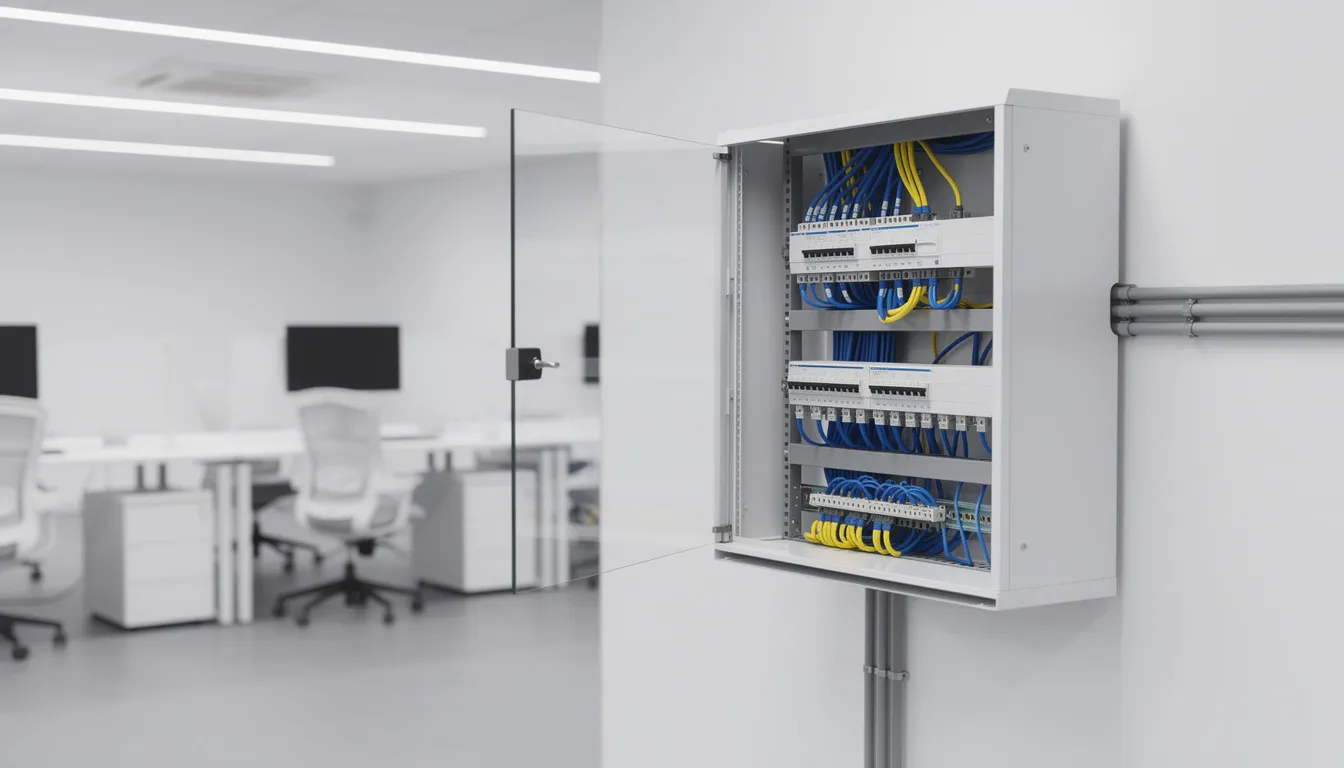
6U wall cabinet in a 5 person office with a small server, switch and patch panel
12U floor standing cabinet for a 25 user branch office with redundant systems
42U floor rack in a purpose built server room for virtualisation clusters
Multiple 47U colocation racks in a 2024 built datacentre with hundreds of tenants
Rack servers vs tower and edge servers
As of 2024 rack servers, tower servers and edge servers can all handle the same workloads—virtualisation, databases, file services and application hosting. The main differences are form factor, deployment style and the environments they are designed to serve.
A rack server, available in 1U to 5U, is designed to slide into 19 inch racks using front and rear rails. These systems prioritise high density deployment so organisations can stack multiple servers vertically. The space efficiency translates directly to reduced footprint and centralised management making rack servers the standard choice for datacentres.Tower servers are like desktop PCs in their standalone upright form factor. They don’t require rack infrastructure so are suitable for small business deployments in the UK and Europe where dedicated server rooms don’t exist. However tower systems can’t be stacked efficiently and scaling beyond 3 or 4 units becomes impractical from both space and management perspective.
Edge servers are a specialized category for branch offices, retail sites and remote locations. These systems have short depths, ruggedised construction and purpose built configurations for constrained or harsh environments. Edge deployments prioritise reliability and low maintenance in locations where IT support is limited.
When to choose each:
Rack servers: High density requirements, datacentres, centralised management, scalability beyond 5 systems
Tower servers: Low initial cost, no existing rack infrastructure, single-server deployments, quiet operation in office environments
Edge servers: Remote or branch locations, space-constrained sites, ruggedised requirements, limited on-site technical support
Rack units, sizes and capacity
The rack unit (U) is the fundamental metric for measuring vertical space in server racks. One U equals 44.45 mm (1.75 inches) in height. All rack mountable equipment specifies its height in U increments so administrators can calculate exactly how many devices will fit in a given cabinet.
Floor standing racks used in datacentres typically range from 42U to 47U in height with 42U being the most common at approximately 73.5 inches of usable space. Wall mount cabinets for smaller installations generally range from 6U to 18U and provide enough capacity for branch office networking equipment and small servers without taking up floor space.
Depth varies greatly depending on the equipment being housed. Shallow data cabinets at 600 mm depth accommodate networking gear, patch panels and compact servers. Full server racks range from 800 mm to 1200 mm in depth with 1000 mm being standard for most enterprise rack servers. Deeper cabinets at 1100 mm to 1200 mm support extended length systems with rear mounted cable management arms.
Load capacity is a critical but often overlooked specification. Full size colocation racks typically support 600 kg to 1000 kg static load when fully populated. Exceeding these ratings risks structural failure particularly when racks are loaded with high density configurations of storage servers or GPU systems.
Common rack specifications in the market today:
42U 600 mm × 1000 mm enclosed cabinet for standard server deployments* 47U 800 mm × 1200 mm heavy-duty rack for high density configurations
12U 500 mm deep wall-mounted cabinet for branch office switches and patch panels
24U 600 mm × 800 mm floor-standing rack for SMB server rooms
6U shallow wall cabinet for network equipment in retail or telco environments
Types of racks and cabinets
Not all racks are the same. The market offers open frame racks, enclosed server cabinets, wall-mount units and multi-compartment colocation configurations to suit specific deployment requirements.
Open-frame racks (two-post): Minimal structure supporting front-mounted equipment only. Suitable for patch panels, routers and shallow networking gear in secure server rooms where cabinet doors are not required. Lower cost and maximum airflow but limited load capacity.
Open-frame racks (four-post): Full-depth support with front and rear mounting rails. Used in lab environments and secure facilities where equipment requires rail mounting but enclosed security is not required. Better stability for deep, heavy servers compared to two-post alternatives.
Enclosed server cabinets: Full cabinets with perforated front and rear doors for airflow, lockable access and side panels. Standard sizes are 600 mm × 1000 mm and 800 mm × 1000 mm. These are the most common enterprise deployments where security and controlled airflow are priorities.
Wall-mount data cabinets: Compact units (typically 6U to 18U) designed to be mounted directly to walls. Available in single-section and two-part swing-out designs, with depths around 500 mm. Suitable for switches, patch panels and small servers in branch offices where floor space is limited.
Colocation racks: Full-height 42U or 47U frames with 2, 3 or 4 segregated compartments. Each compartment has uniquely keyed locks, allowing hosting providers to house multiple tenants in a single physical frame while maintaining separation.
Accessories: Castors for mobility (300 kg standard-duty, 1000 kg heavy-duty), adjustable shelves rated at 25 kg or more, vertical cable management bars, brush strip entry panels and blanking panels to optimize airflow.
Rack components
A functional rack installation consists of several hardware components: the cabinet itself, servers, power distribution, cooling provisions, cable management and physical security. Each component contributes to overall system reliability and maintainability.
Server hardware:* 1U to 5U rack servers depending on workload requirements
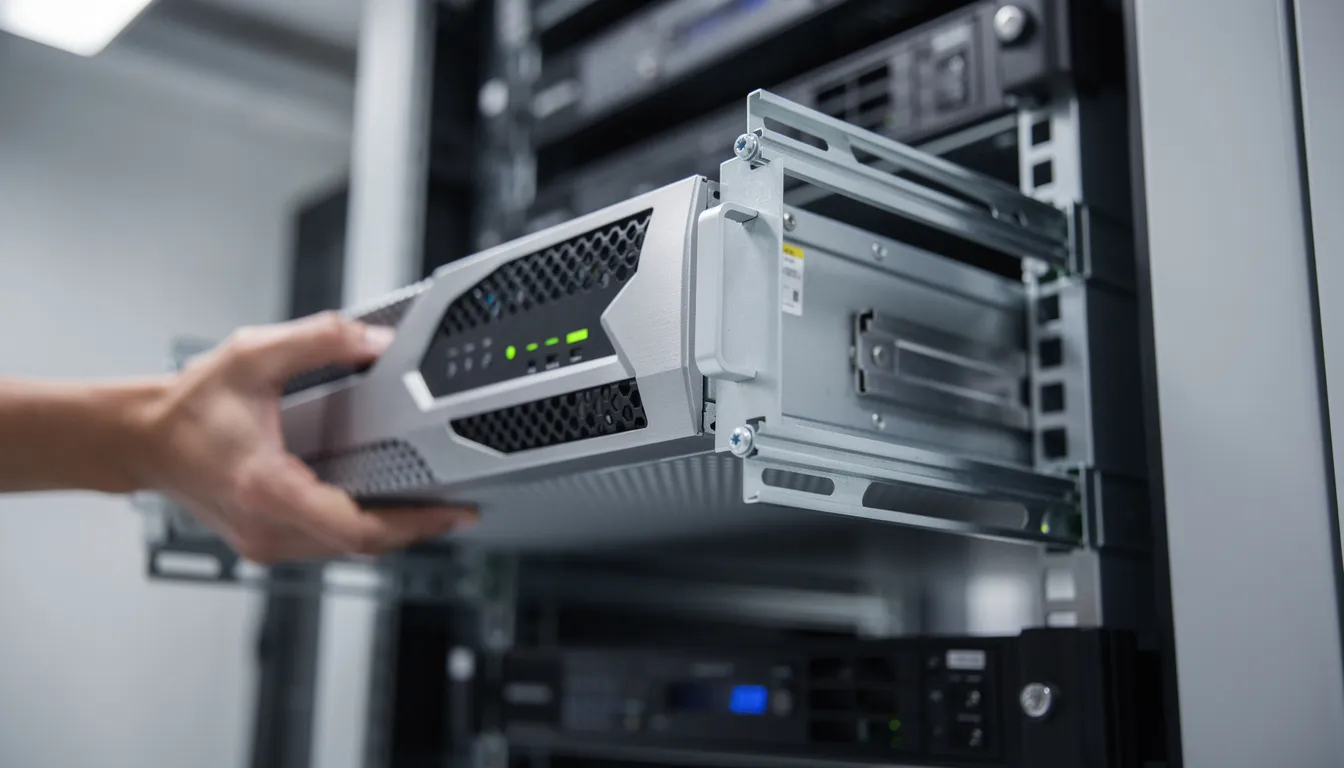
Server rail kits (static or sliding) to mount servers in the rack
Fixed shelves for non-rack mountable equipment like monitors or KVM switches
Sliding shelves for keyboard and mouse access during maintenance
Blanking panels to fill empty U heights and maintain airflow
Power:
PDUs with UK BS1363 outlets for general use
C13/C19 output PDUs for enterprise servers with IEC power connectors
16A and 32A Commando plug variants for high density loads
1U horizontal PDUs at the rear or zero-U vertical PDUs to maximise space
Cooling and airflow:
Perforated front and rear doors (70% or more)
Top vents or roof fans in enclosed cabinets
Hot-aisle/cold-aisle design to separate intake and exhaust paths
Fans and environmental monitoring for temperature management
Security:
Lockable front and rear doors with keyed or combination locks
Side panels to prevent access between racks
Compartmental locks in colocation environments
Tamper-evident seals for compliance-sensitive deployments
Identify virtualization platforms (VMware, Hyper-V, Proxmox) and count virtual machines
Map database servers, file services and application workloads to server types
Account for GPU-accelerated workloads requiring special hardware configurations
Count storage requirements across SAS, SATA and NVMe drives
Capacity planning:
Count all devices to be racked: servers, switches, storage arrays, PDUs
Calculate total rack units required, including cable management
Verify depth matches cabinet spec
Check total weight against rack load ratings
Plan for 20-30% growth over 3-5 years
Power and cooling:
Calculate total watts of all equipment at full load
Calculate number of PDUs and circuits required, allowing for redundancy
Balance loads across phases in three-phase installations
Assess room cooling capacity against expected heat output* Consider future density increases when specifying cooling
Example:
1 x 42U rack with 20 x 1U servers, 2 x 2U storage arrays, 2 x 1U switches, 2 x PDUs and 6U spare for growth and cabling
Choosing rack servers: performance, expansion and efficiency
Rack servers come in a wide range of performance from low-power 1U servers for basic workloads to multi-socket, multi-GPU for AI and high-performance analytics.
Servers by use case:
Virtualization hosts: Balanced CPU, memory and network I/O for running dozens of VMs per node
High-memory systems: Configurations with 1TB+ RAM for in-memory databases and analytics
Storage servers: High-capacity chassis with 12, 24 or more drive bays for file and object storage
GPU-accelerated compute: 2U-4U systems with multiple PCIe slots for NVIDIA or AMD accelerators
Low-power edge boxes: 1U systems for remote deployments with minimal power requirements
Key selection criteria:
CPU: Intel Xeon Scalable or AMD EPYC processors matched to workload
Memory: DDR5 RAM slots and maximum memory per socket
Storage: NVMe for high IOPS, SAS/SATA for capacity
Expansion: PCIe 4.0/5.0 slots for network cards, HBAs and accelerators
Networking: 10/25 GbE onboard or expansion card
Power supplies: Redundant PSUs with 80 PLUS Platinum or Titanium efficiency
2024 UK/EU prices:
1U entry-level: £1,500-£3,500
2U virtualization host: £5,000-£15,000
Multi-socket systems: £20,000-£80,000+
Power distribution and PDUs in racks
Correctly specified PDUs are key to safety, uptime and efficiency. Underspecifying power distribution trips circuits, overspecifying wastes budget and rack space.
Basic horizontal PDUs: UK BS1363 socket strips for standard equipment; 10A or 13A rated* Enterprise C13/C19 PDUs: IEC connector outputs matching server power supply inputs; common in professional data centre deployments
High-current PDUs: 16A and 32A Commando plug inputs for high density loads; essential when rack power exceeds standard 13A circuit capacity
Mounting options: Horizontal 1U PDUs consume rack space but provide front-panel visibility; vertical zero-U PDUs mount in the rear channels, preserving usable U heights
PDU intelligence levels:
Basic: Simple power distribution with no monitoring
Metered: Per-PDU or per-outlet power consumption display
Switched: Remote per-outlet power control for reboot and load management
Phase balancing: Three-phase installations require careful load distribution across L1, L2 and L3 to avoid overloading individual phases
Cable management and airflow best practices
Poor cable management affects system reliability. Obstructed airflow causes thermal throttling, tangled cables complicate maintenance and extend downtime during service events.
Airflow principles:
Servers draw cool air from the front and exhaust hot air to the rear
Perforated front doors must remain unobstructed
Rear exhaust should not recirculate into intake paths
Hot-aisle/cold-aisle configurations separate intake and exhaust zones between rack rows
Essential accessories:
Vertical cable managers on both sides of the cabinet
Horizontal cable organizers at regular intervals (every 10-12U)
Brush strips for cable entry points to minimize air leakage
Velcro straps instead of cable ties for easy adjustment
Labelled patch panels for rapid identification during troubleshooting
Colour-coding recommendation:
Blue: Out-of-band management and IPMI/iLO/iDRAC
Yellow: WAN and external connectivity
Green: Storage networks (iSCSI, FC)
Grey or white: Standard LAN traffic
Do’s and don’ts:
Do separate power and data cabling
Do use service loops for slack management rather than tight routing
Do label both ends of every cable
Don’t bundle power cables with high-speed data cables
Don’t exceed minimum bend radius specifications for fibre
Don’t route cables directly over server exhaust fans
Security, access control and compliance
Physical security is a fundamental control, just as important as firewalls and intrusion detection. Shared offices, colocation facilities and multi-tenant environments require layered protection.
Cabinet level:
Lockable front and rear doors with unique keys or combination locks
Side panels to prevent access from adjacent racks
Individually keyed compartments in colocation environments
Cable locks for portable equipment within cabinets
Room level:
Access cards or fobs with audit logging
PIN pads for secondary authentication
Biometric readers for high security environments
CCTV coverage of all rack rows with retention per compliance requirements
Environmental monitoring:
Door open sensors to alert on unauthorized access attempts
Temperature and humidity probes with threshold alerting
Water leak detection under raised floors
Integration with DCIM for centralized visibility
Best practices:
Keep access logs with timestamps and user identification
Use tamper-evident seals on racks with sensitive equipment
Enforce least privilege access, limit physical access to authorized personnel
Conduct regular access permission audits against current staff roster
Document all equipment serial numbers and locations for asset management
1 x 2U tower-to-rack converted server (Intel Xeon, 64GB RAM)
1 x 1U managed switch (24port GbE)
1 x 1U PDU with UK BS1363 outlets
1 x 24port patch panel
Power draw: 400-600W, no dedicated cooling required
Mid size business (100-250 users):
2 x 42U 600mm x 1000mm enclosed cabinets
8 x 1U virtualization servers (AMD EPYC, 256GB RAM each)
2 x 2U storage arrays with NVMe drives
4 x 1U network switches (10GbE uplinks)
4 x metered PDUs (2 per rack, redundant feeds)
Power draw: 6-10kW total, dedicated cooling required
Colocation:
1 x 47U multi-compartment rack with 4 tenants
Each tenant 10U with uniquely keyed accessShared 16A PDUs with per-outlet metering
Remote hands support from facility staff
Power draw: 7.5-10kW capacity; facility-managed cooling
New vs Refurbished servers and racks
Both new and refurbished hardware are valid options in 2024, depending on budget, performance requirements and support expectations.
New hardware:
Latest CPU generations with more performance per watt
Full manufacturer warranties (3-5 years)
Complete configurability to exact specs
Access to latest features (DDR5, PCIe 5.0)
Manufacturer support and firmware updates guaranteed
Refurbished servers and racks:
Lower purchase price (40-60% of new equivalent)
Proven reliability from enterprise production environments
High quality server racks no longer in production
Faster lead times than new equipment backlogs
Environmental benefit of extending hardware lifecycle
Refurbished checks:
Remaining life of drives (check SMART data and power-on hours)
Condition of rails, doors, hinges and locking mechanisms
Warranty length from reputable suppliers (1-3 years)
Firmware versions and update availability
Cosmetic condition vs functional requirements
TCO:
Older CPUs consume more power per compute unit
Calculate electricity cost difference over expected service life
Factor in earlier refresh cycles for older equipment
Next day delivery from stock for urgent needs
Common mistakes with servers and racks
Many deployment issues are preventable. Address these upfront to avoid costly remediation.
Capacity errors:
Underestimating rack units, no room for growth
Buying cabinets too shallow for server depth plus cable management
Ignoring static and dynamic load ratings for racks
Not accounting for vertical PDU space consumption
Power errors:
Overloading single PDUs beyond rated capacity
Mixing production loads with non-essential equipment on shared circuits
Not providing redundant power for high availability servers
Incorrect phase balancing in 3-phase installations
Cooling errors:
Placing racks against walls, blocking rear exhaust
Blocking front intake vents with misrouted cables
Not installing blanking panels in empty U positions
Ignoring hot-aisle/cold-aisle in multi-rack deployments
**Documentation errors:## Common mistakes with servers and racks
Many deployment issues are preventable. Address these upfront to avoid costly remediation.
Labeling errors:
Not labelling cables at both termination points
Failing to maintain accurate rack elevation diagrams
Not recording equipment serial numbers and warranty expiration dates
Losing track of IP addresses and management credentials
Future trends in server and rack design
Trends visible in deployments since 2023 are towards higher densities, smarter management and sustainability.
Higher densities:
1U and 2U servers hosting 50+ VMs or hundreds of containers per node
Storage density improvements with NVMe for higher IOPS in smaller footprints
More memory reducing the number of physical servers required
GPU and AI workloads:
Power densities reaching 20-30 kW per rack for GPU clusters
Liquid cooling for high-power configurations
Rear-door heat exchangers for air cooling
100 kW+ racks predicted by 2026 for AI/ML training environments
Smart rack infrastructure:
Metered PDUs with per-outlet consumption data
Environmental sensors in cabinet designs
DCIM and cloud management platform integration
Automated alerting for power, temperature and access anomalies
Sustainability:
80 PLUS Platinum and Titanium power supplies becoming standard
Improved airflow designs reducing cooling energy consumption
Rightsizing instead of over-provisioning
Increased use of refurbished equipment to extend hardware lifecycles
Choosing the right server and rack for your environment
The right server and rack configuration is determined by workload, space, budget and growth. There is no one-size-fits-all solution – each deployment requires analysis of specific requirements against available options.
Understanding rack units, load ratings, PDU specifications and security requirements is the foundation for any successful deployment. Whether it’s a single wall-mount cabinet in a branch office or a multi-rack data centre expansion, the same principles of capacity planning, power management and airflow apply.
Before you buy:
Map current and projected workloads to server classes (rack, tower or edge)
Choose rack type for deployment environment (wall-mount, enclosed cabinet or colocation)
Calculate power requirements and specify PDUs with the right capacity and redundancy
Create a rack elevation diagram showing all equipment and remaining growth capacity
Contact suppliers to confirm stock and delivery options, including next day delivery for urgent requirements. Check out product pages from leading suppliers for server racks, cabinets and more. Plan smart.